How to verify if your AI-generated test is good: Practical checklist for QAs
Treat AI-generated test code as untrusted until it passes a few clear checks: does it map to a real requirement, does it fail when behaviour is wrong, will it stay maintainable, and does the suite cover the risks that matter?

You can treat AI‑generated test code as untrusted until it passes a few clear checks. A good evaluation process has four layers: requirements, behavior, code quality, and long‑term value.
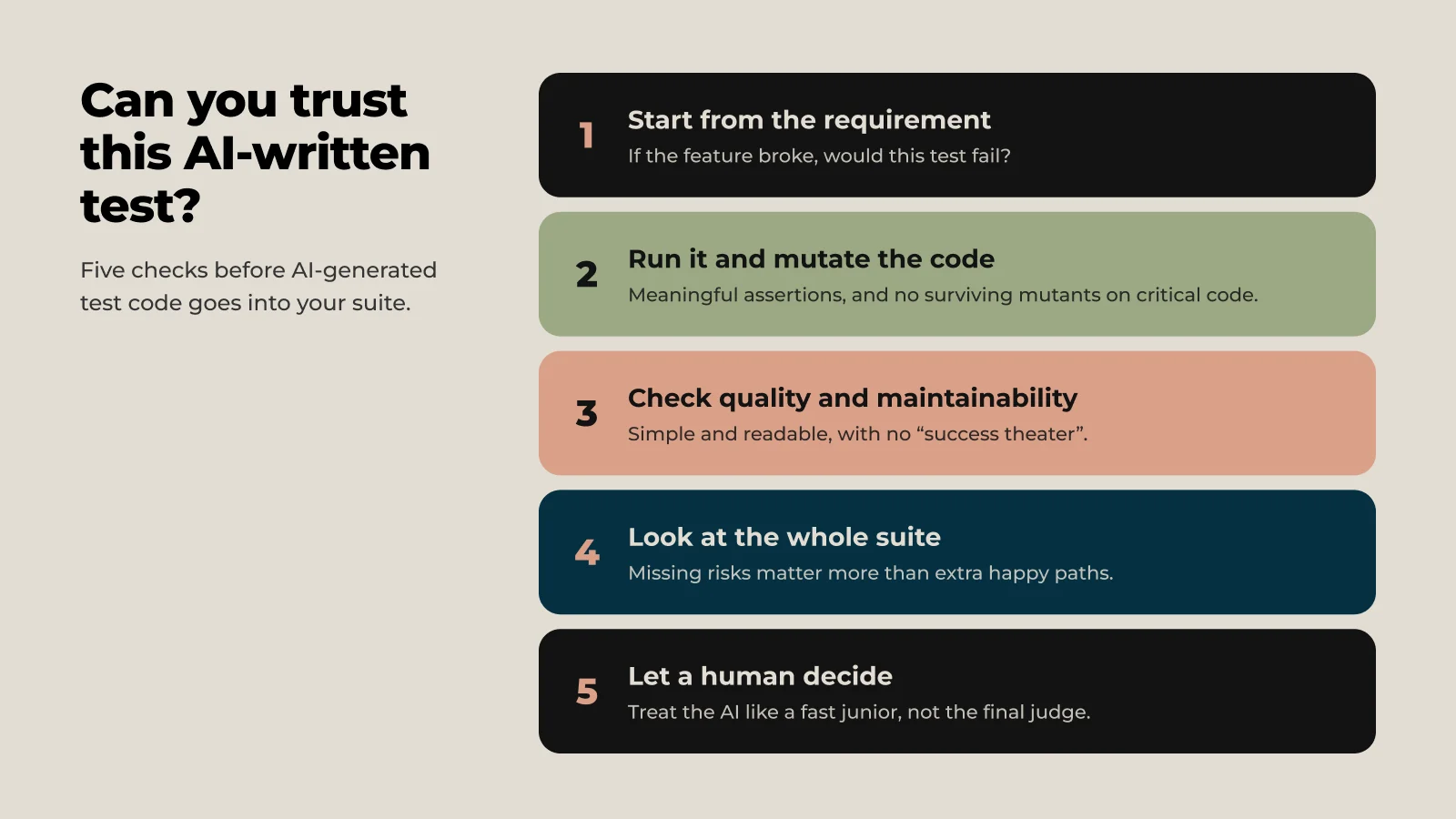
1. Start from the requirement, not the code
AI code often “looks right” but doesn’t actually test what matters.
- Check that each test maps to a real requirement or risk. If you cannot say in one sentence what requirement it covers, question why it exists.
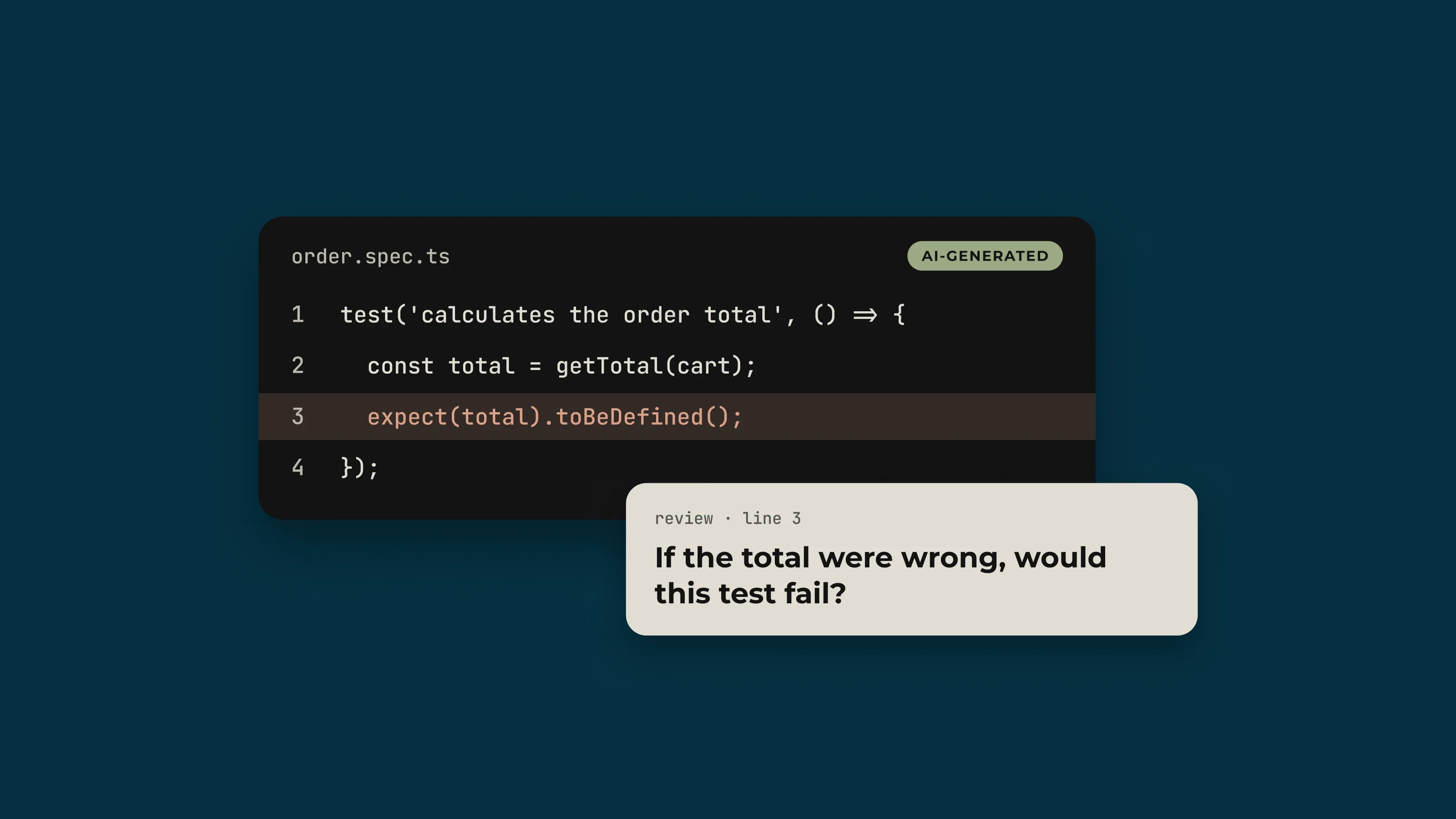
- Ask: “If this feature broke, would this test fail?” If the answer is no, the test is giving you false confidence, even if the code is clean.
- Look for missing negative paths, edge cases, and permission errors. Many AI tools generate mostly happy‑path tests unless you push them otherwise.
If the link between requirement → test is weak, reliability is low by definition.
2. Verify behavior with real execution and mutation
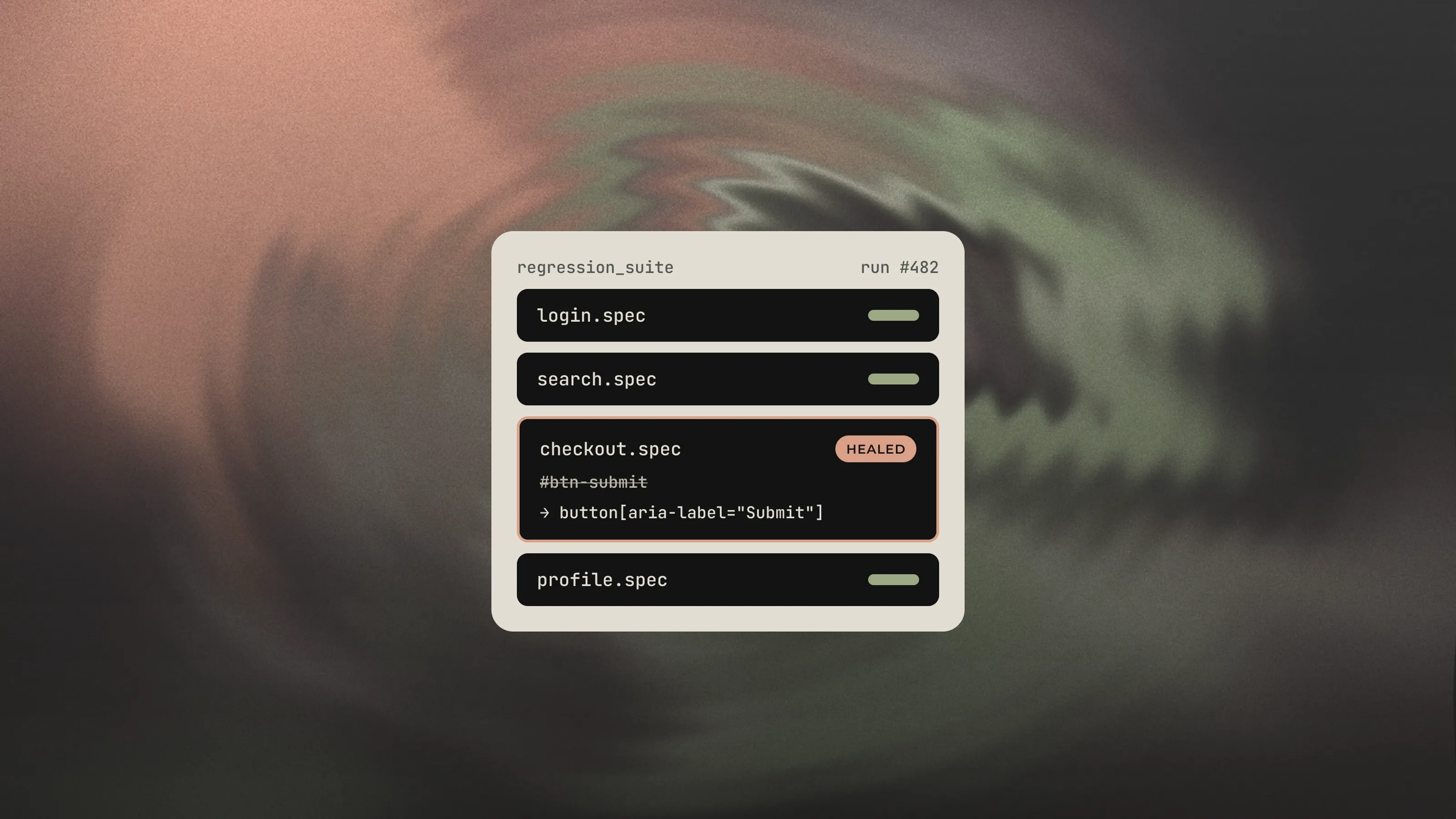
A reliable test suite must fail when behavior is wrong, not just run without errors.
- Run the tests in CI and make sure they compile and execute without warnings or broken imports. AI sometimes uses non‑existent APIs or packages.
- Check that assertions are meaningful, not just “no exception thrown” or vague checks like
assertTrue(true). - Use mutation testing on critical code: introduce small code changes and see if tests fail. High line coverage can still mean a low mutation score, which shows that tests don’t really protect behavior.
If mutants survive or obvious changes don’t fail the tests, the AI‑generated tests are not yet reliable enough.
3. Inspect code quality and maintainability
Even if behavior is correct today, fragile test code will become unreliable over time.
- Look for over‑complex structures, unnecessary patterns, and “success theater” functions that just return
{ success: true }without real checks. - Check naming and structure: can you explain what the test does in one clear sentence? If not, it will be hard to debug later.
- Run static analysis / linters to catch obvious smells, dead code, and risky dependencies; AI‑generated code often has more maintainability issues than human code on average
- Reliable tests are simple, readable, and easy to change when the system evolves.
4. Evaluate coverage and redundancy at the suite level
Single tests can look fine while the whole suite is weak.
- Compare the AI‑generated tests against your own mental model of scenarios: what did it miss (boundaries, error handling, concurrency, security, localization, data size)? Those gaps matter more than extra happy‑paths.
- Check for redundancy: many AI tools repeat similar tests with slightly different data, which adds noise but not protection.
- Measure coverage, but treat it as a signal, not a goal. Combine line/branch coverage with mutation score and a manual risk review.
A reliable suite covers the important risks with distinct, focused tests instead of lots of near‑duplicates.
5. Add human judgment as the final gate
Most sources emphasize that AI‑written code and tests should never be merged without a human decision.
- Treat the AI like a fast junior: good at drafting, not at final judgment.
- For high‑risk areas (money, security, safety), raise the bar: require stronger mutation scores, independent review, and stricter coding standards.
- Document which parts of the suite are AI‑generated, so future reviewers know where to be extra careful.
If you follow these steps, you are not asking “is AI perfect?” but “is this specific test code good enough to trust?”—which is exactly the mindset you want.

I've spent 14 years in IT, working mainly as a software tester, with experience as a Scrum Master and developer. I also run workshops on software testing and bread baking. I enjoy solving problems and sharing what I know. Outside work, I love cooking, hiking, and running, always looking for my next challenge.