Cookies Preferences
Close Cookie Popup
Cookie Consent
By clicking “Accept All Cookies”, you agree to the storing of cookies on your device to enhance site navigation, analyze site usage and assist in our marketing efforts. More info

As an independent company, we maintain our autonomy by not engaging in partnerships with tool vendors or accepting any form of kickback
Testing tools are changing fast, and one of the newer names people keep seeing is TestSprite. It is made for teams that want to test faster, write less repetitive code, and catch problems earlier without building a huge framework from scratch.
TestSprite is a testing tool that helps teams create and run tests with less setup than traditional automation. The idea is simple: you describe what you want to check, and the tool helps turn that into a test flow. It is especially interesting for teams that are tired of spending too much time on test maintenance.
The basic workflow is straightforward:
A nice thing about this kind of tool is that it lowers the barrier for people who are not deep in code every day. You still need good test thinking, but you do not need to build everything by hand.
The main advantage is speed. Teams can start testing sooner, and they do not need to spend as much time writing and maintaining technical boilerplate. It can also help with simple regression checks, smoke tests, and fast feedback before a release.
Another plus is that it can be easier for QA people, product people, and sometimes developers to work from the same testing flow. That makes it useful in teams that want less friction and more shared ownership.
This kind of tool is useful for:
It may be less useful if your team needs very advanced framework control, complex custom logic, or deep integration with a large existing codebase.
Imagine you want to test a simple sign-up flow. Instead of writing a full script first, you define the journey: open the page, enter email, choose password, submit the form, and verify success. The tool helps turn that into an executable test. If the UI changes a little, you spend less time fixing fragile steps than you would in a more manual framework.
To see how it behaves on a real application, we pointed TestSprite at houseoftest.ch and let it work through the whole cycle: explore the site, draft a test plan, run the tests, and report back.
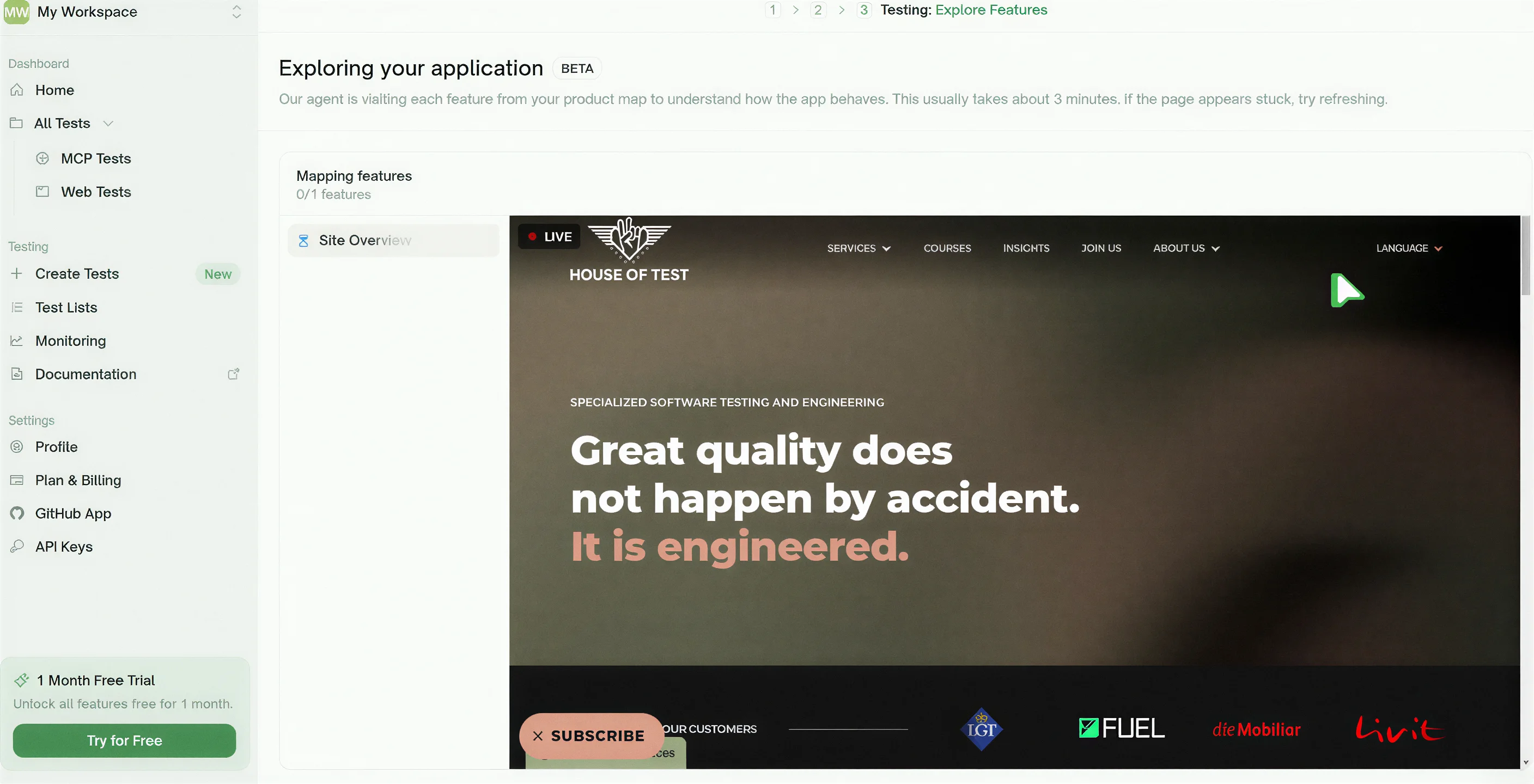
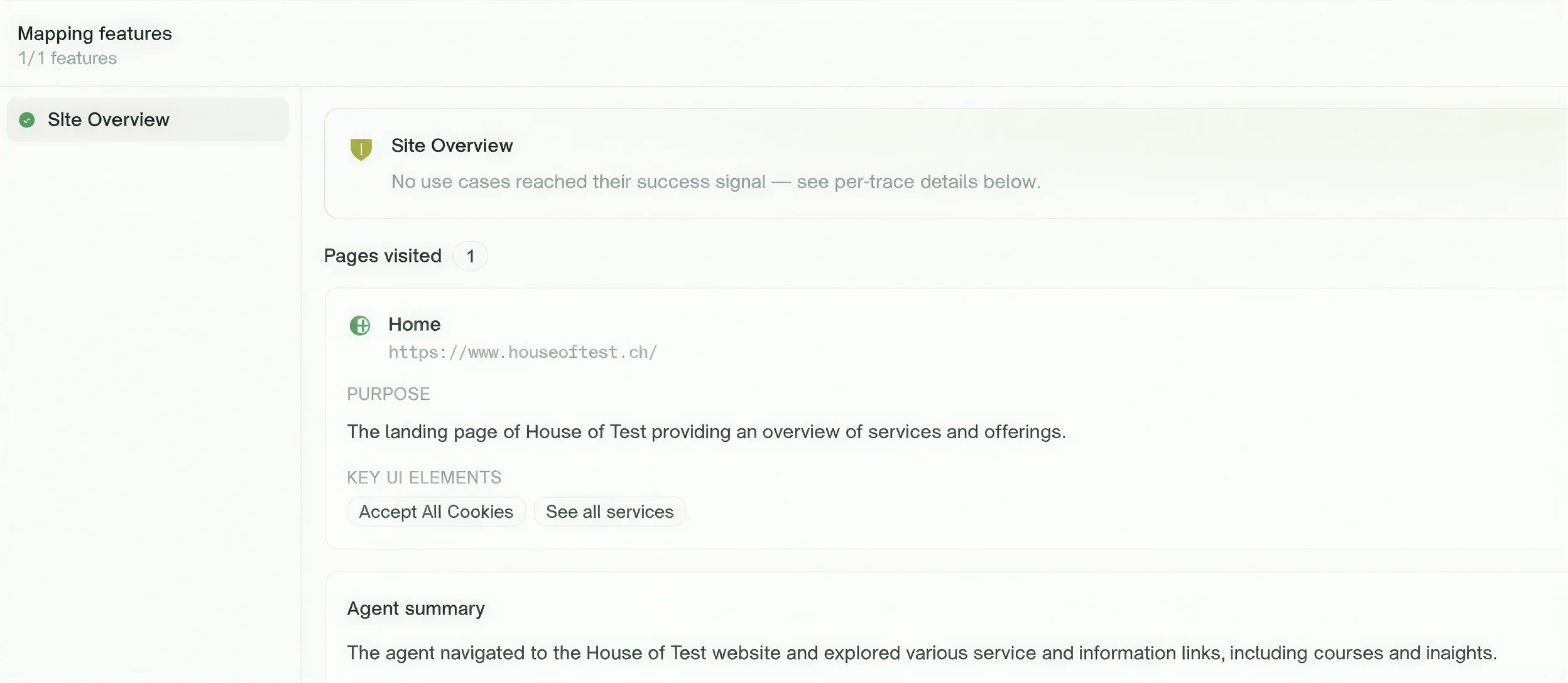
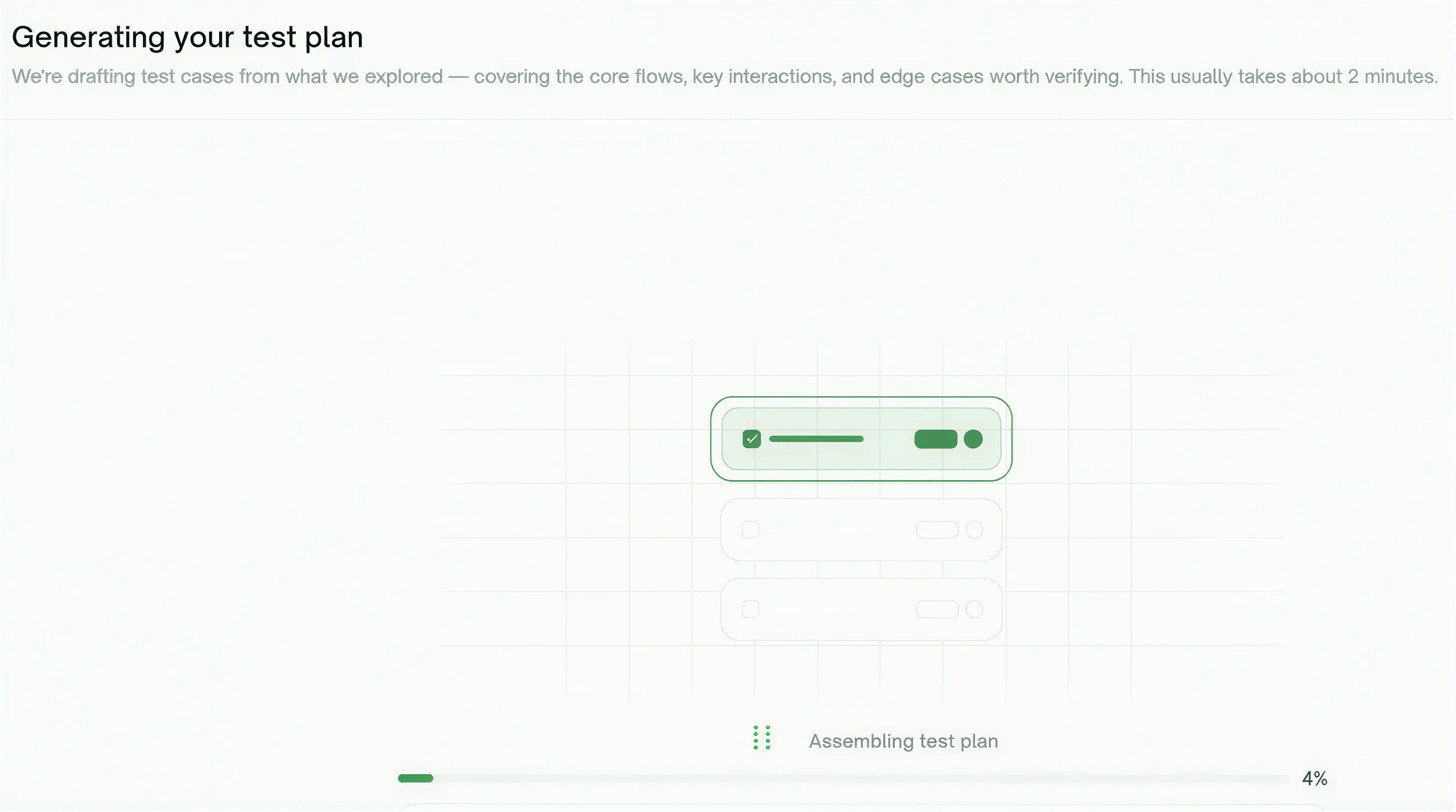
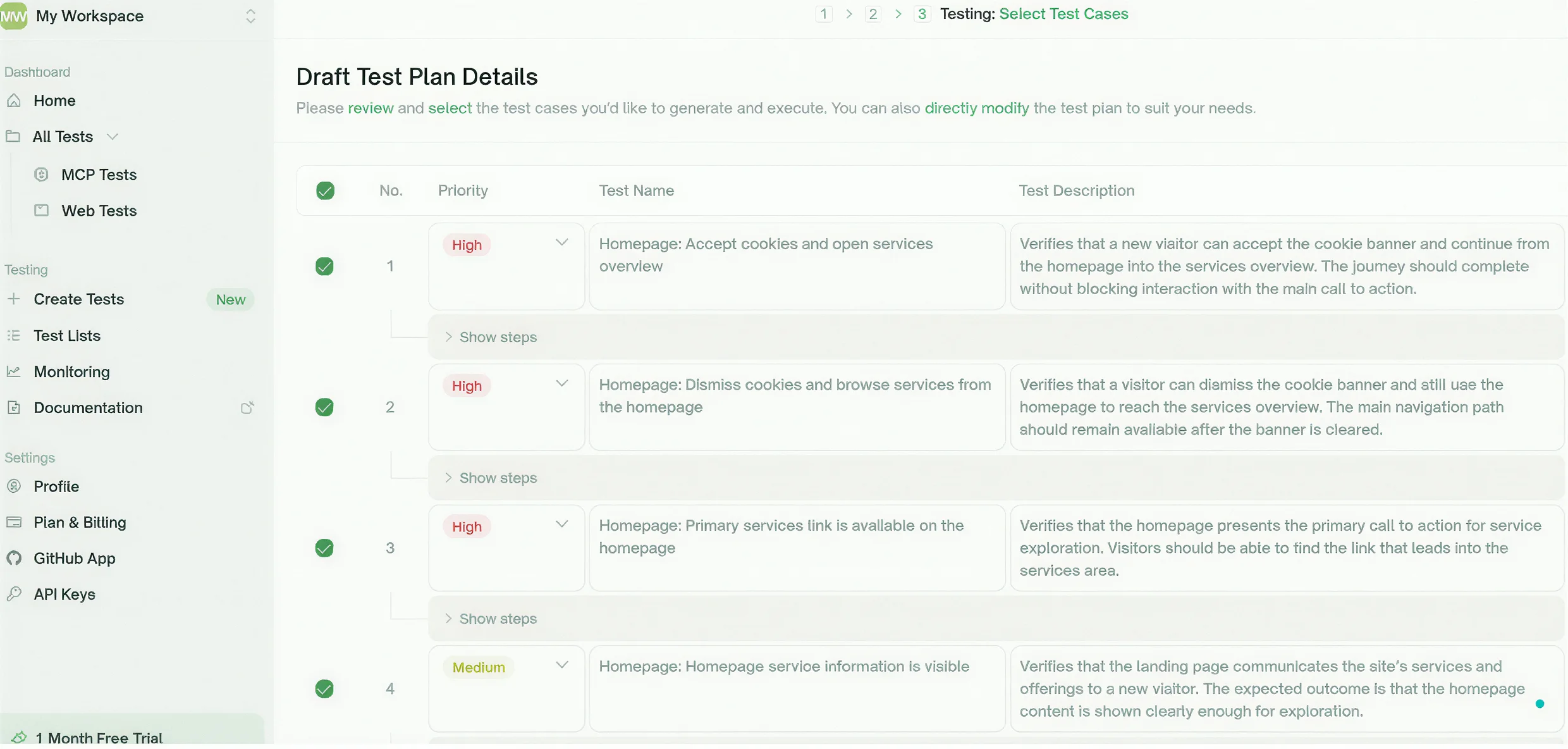
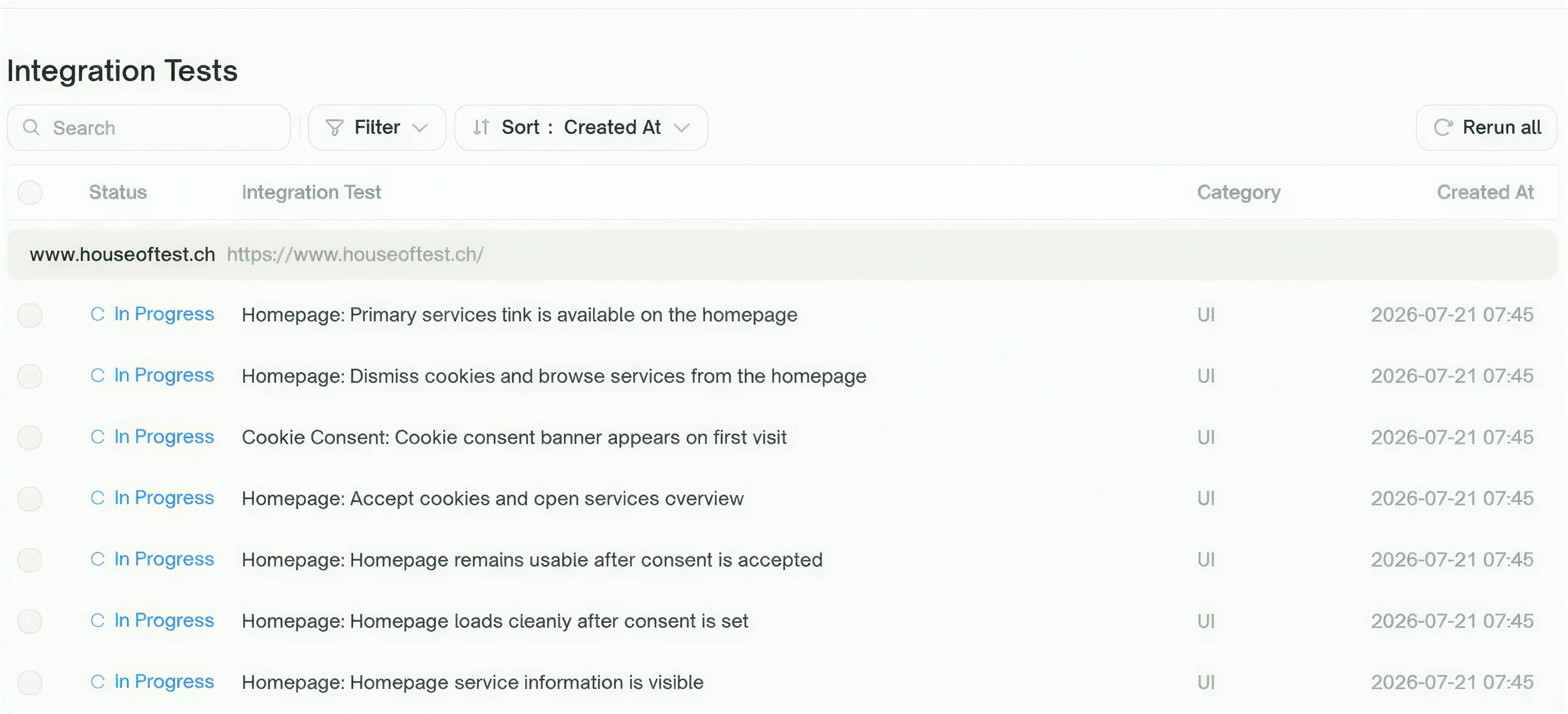
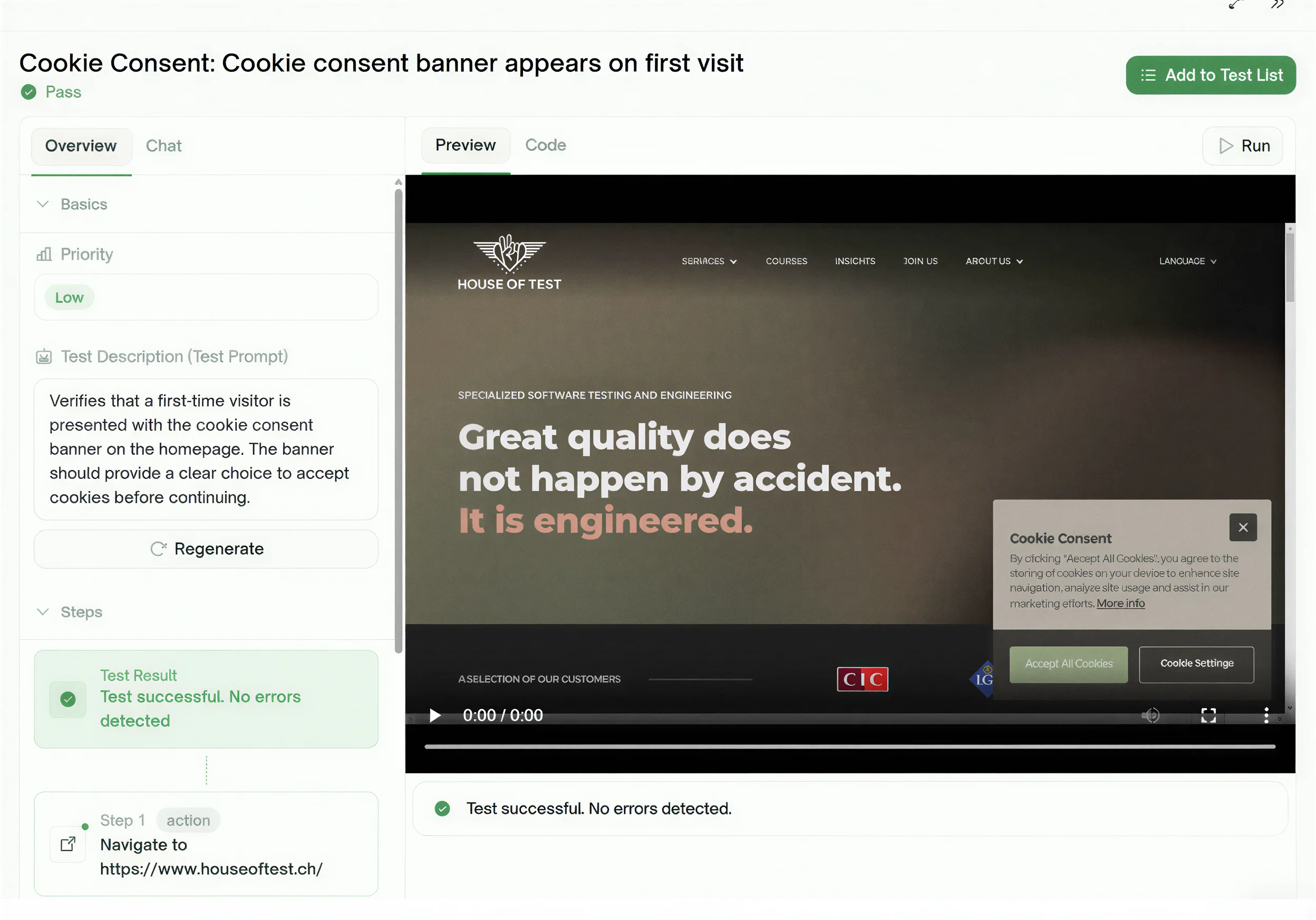
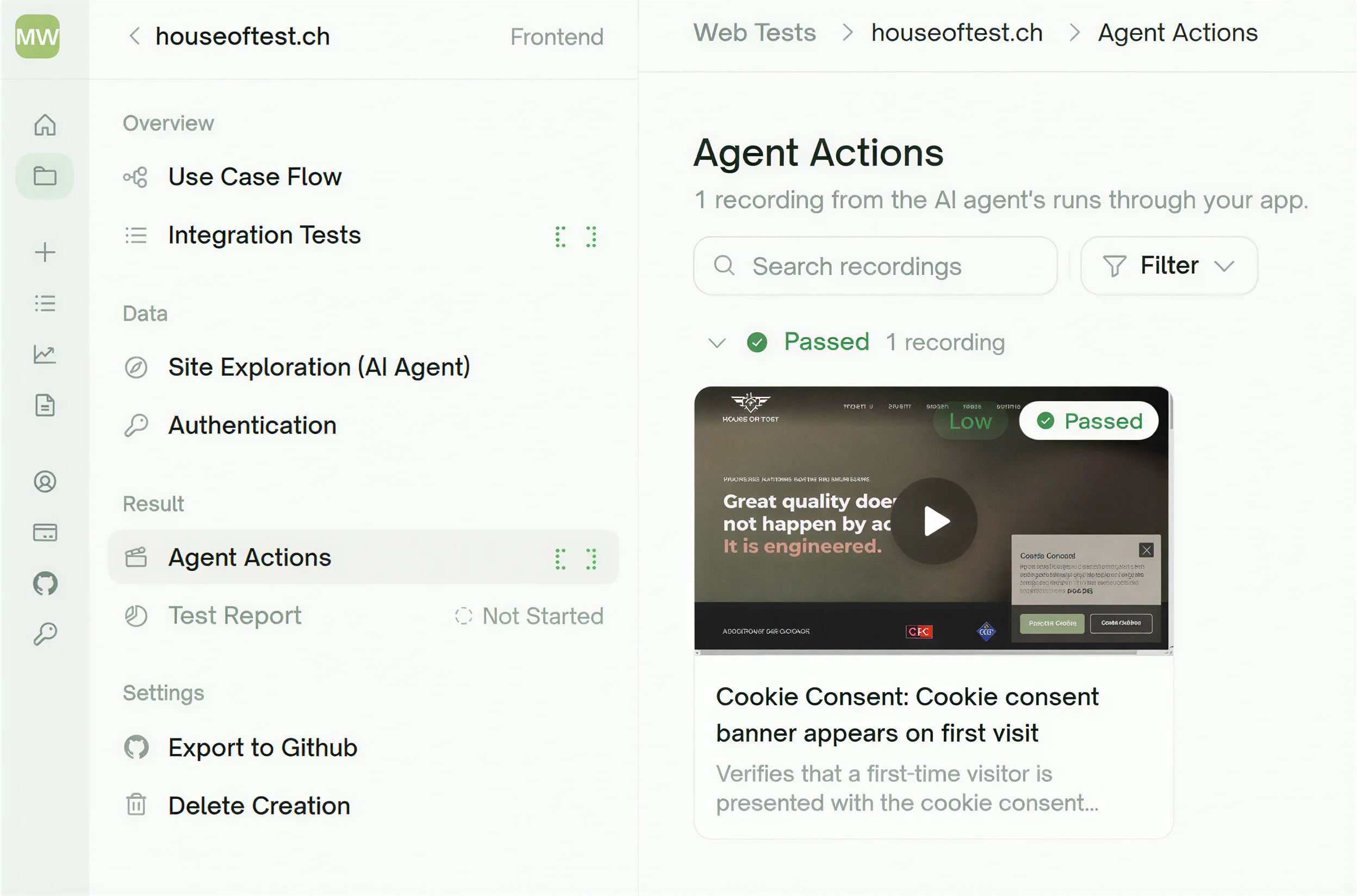
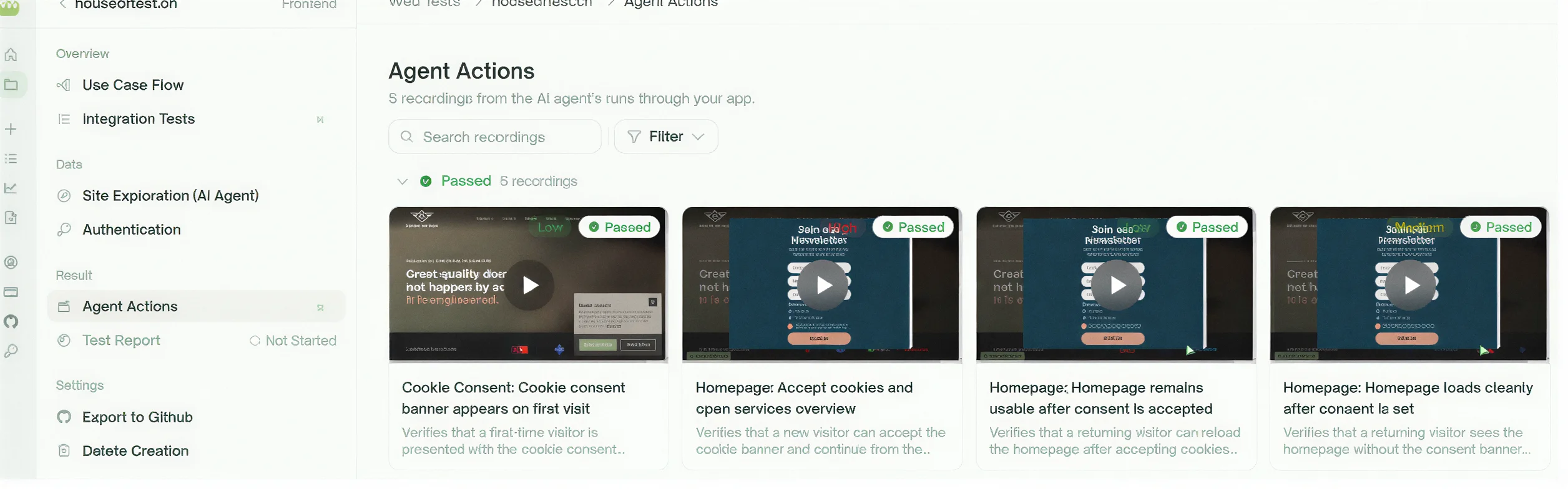
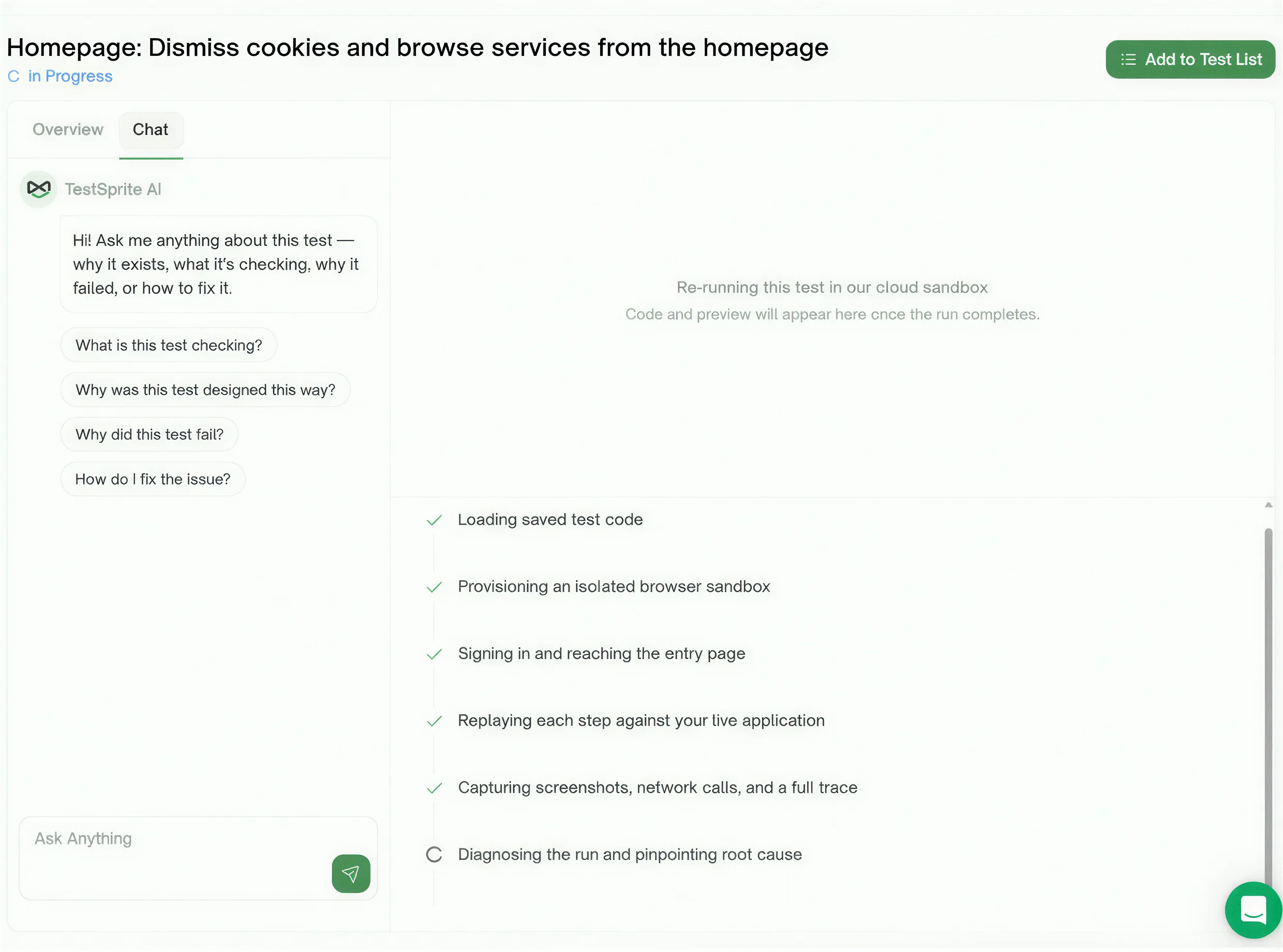
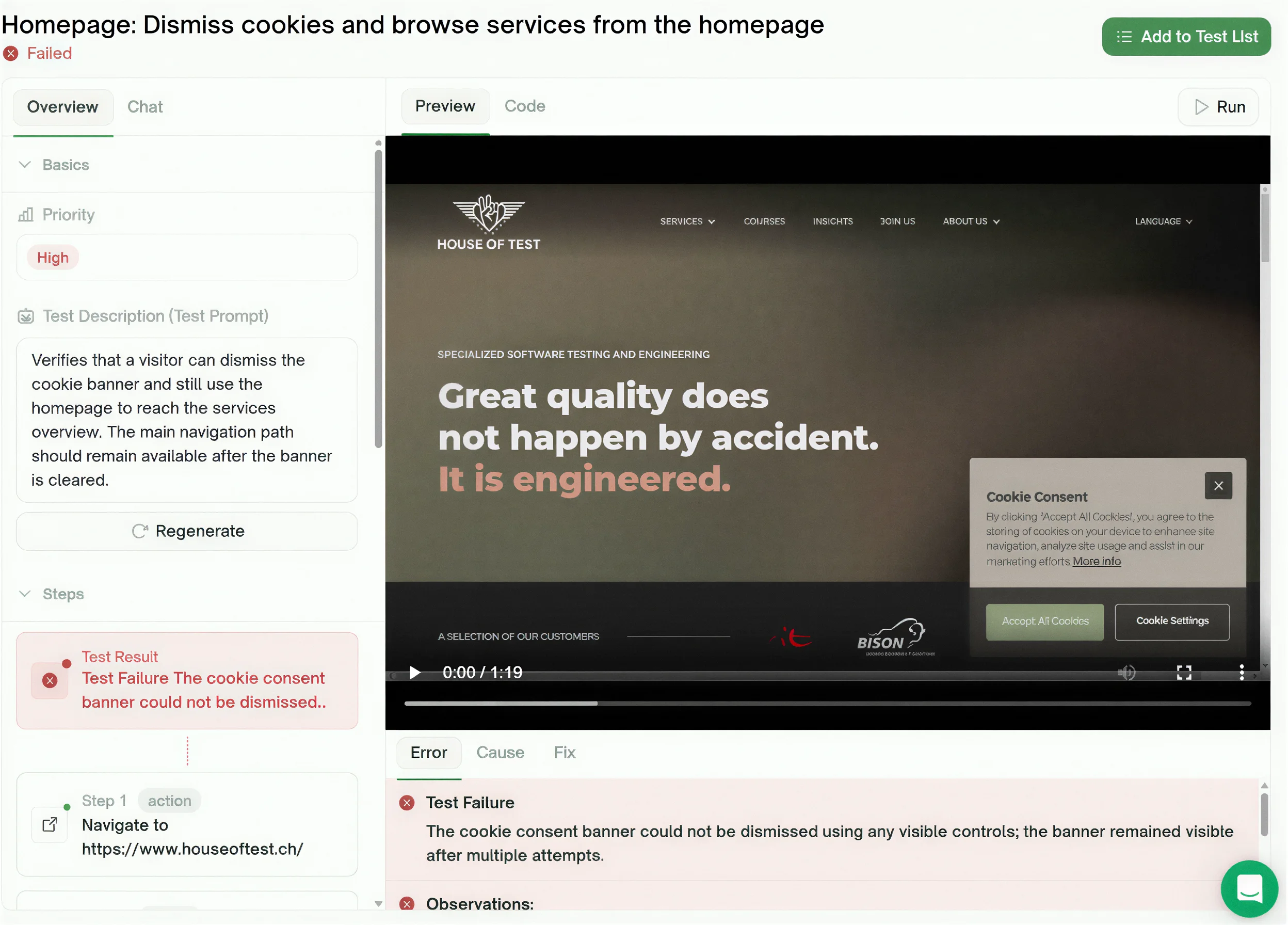
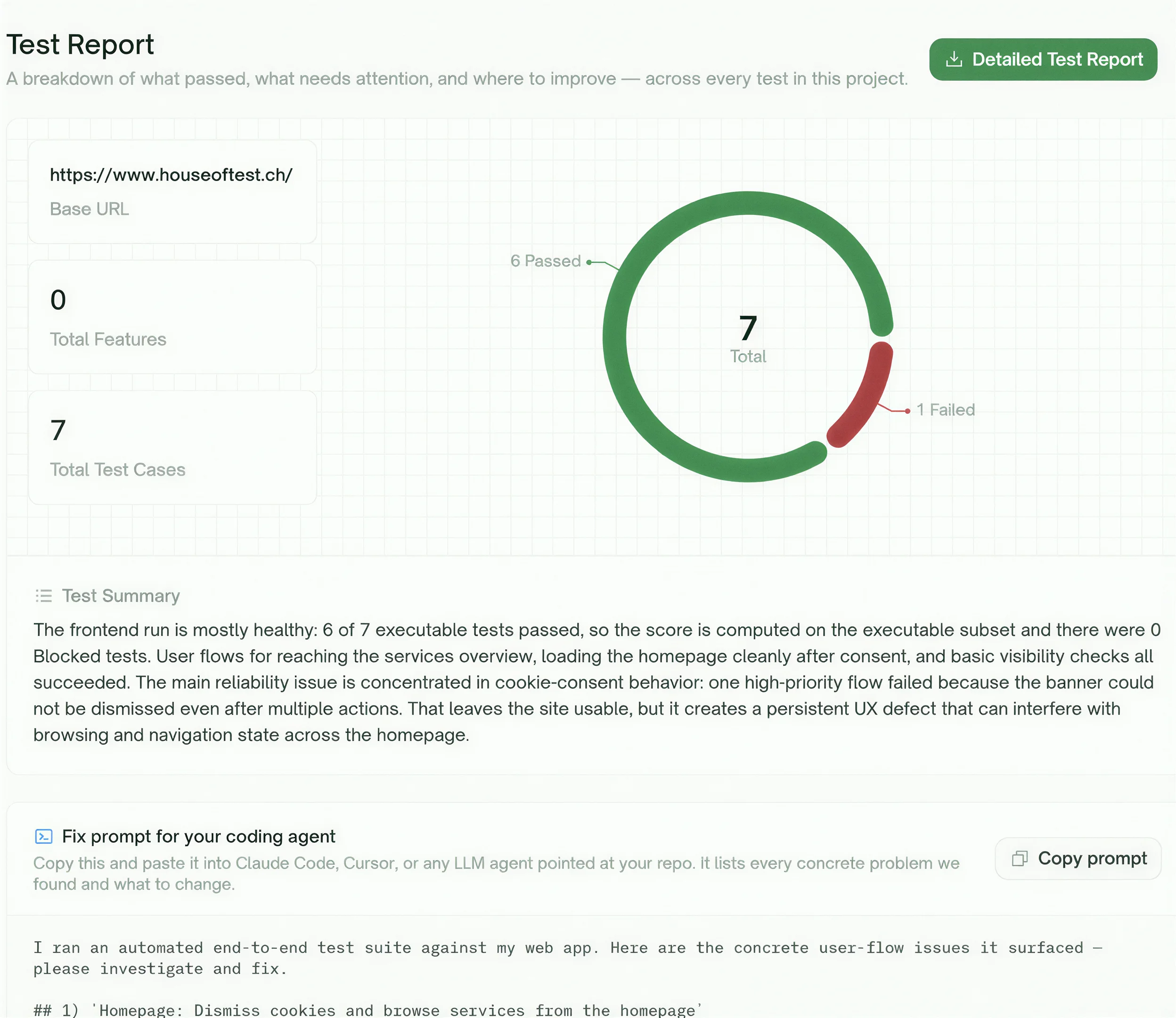
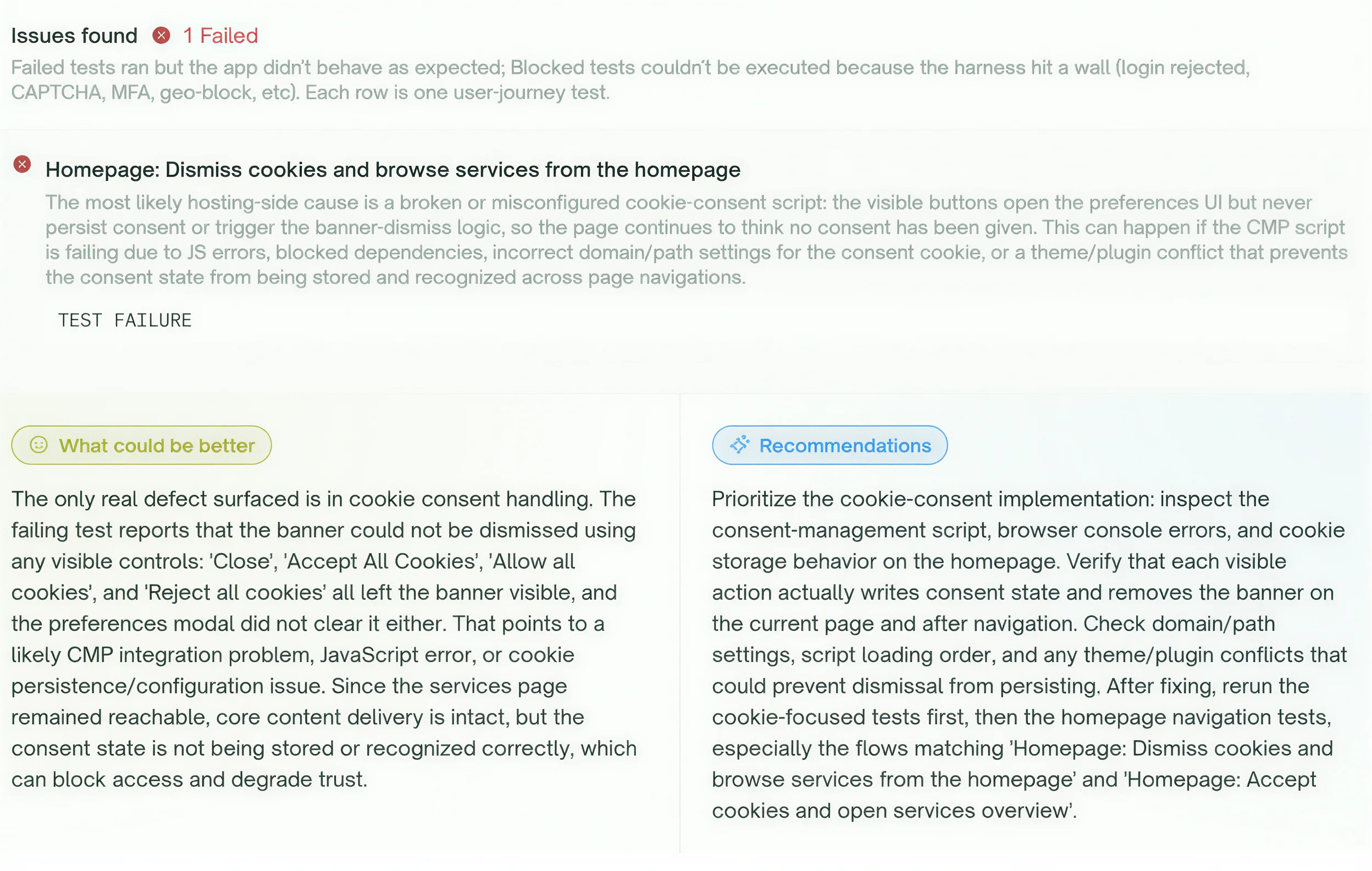
The run produced seven test cases. Six passed. One failed: the tool could not dismiss the cookie consent banner and pointed at the consent-management script failing to persist consent state.
We could not reproduce it. Manually, the banner works. The most likely explanation is a timing issue in the automation rather than a defect on the site.
Which is the useful part. A failing test is not the same thing as a bug — someone still has to reproduce it and decide what it means. The tool flagged something worth a look. The interpretation was still ours.
TestSprite is very different from Selenium and Playwright. Selenium and Playwright are classic automation frameworks, which means you write and maintain the test code yourself. TestSprite is more like an AI testing agent: it can help create tests, run them, and look for problems with much less manual setup.
Tools like TestSprite are part of a bigger trend in testing: less time fighting the framework, more time checking real product quality. They are not a replacement for testing skills, but they can make good testers much faster.
We'd love to hear your thoughts! The easiest way to reach us is by emailing info@houseoftest.ch or contacting the author directly.